
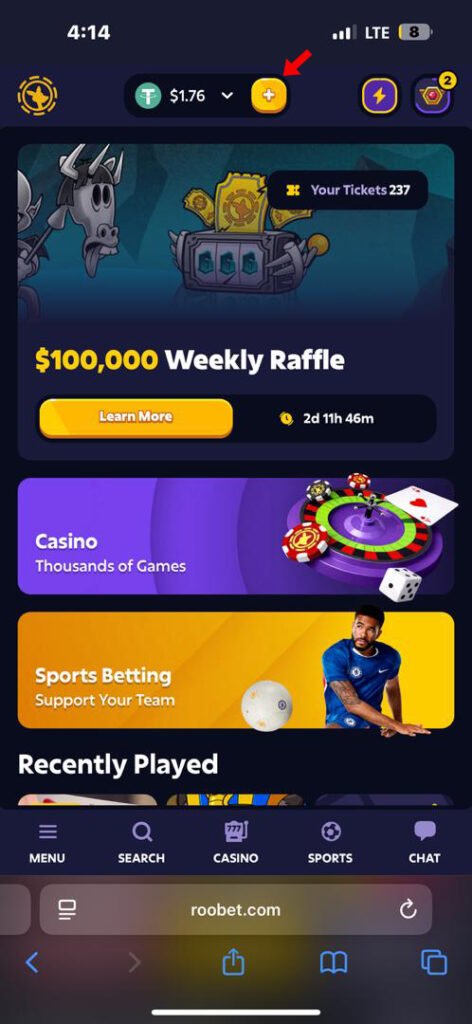
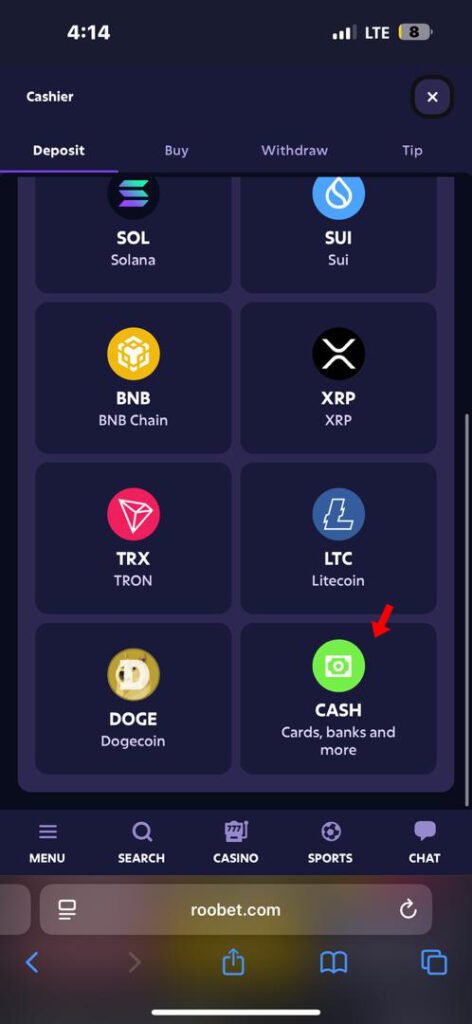
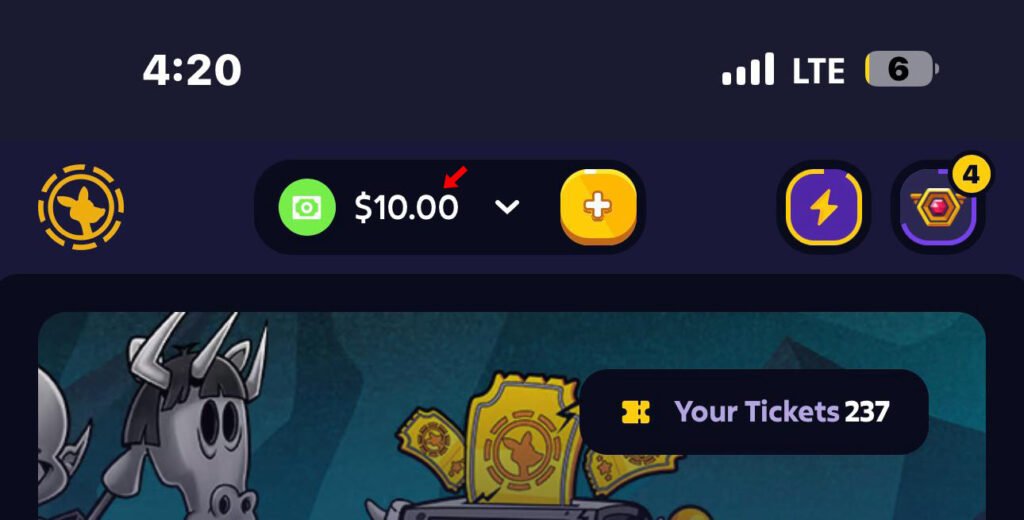

2. Scroll down to CASH (cards, banks and more)
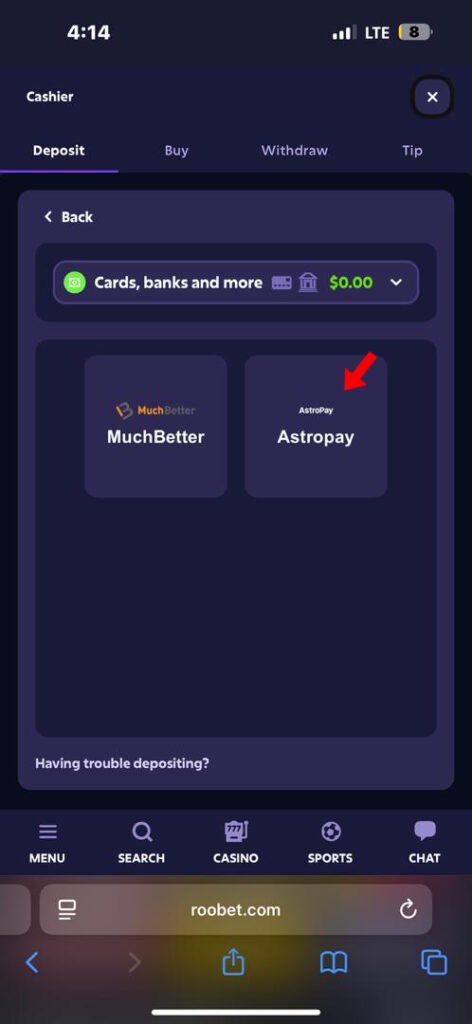
3. Select AstroPay
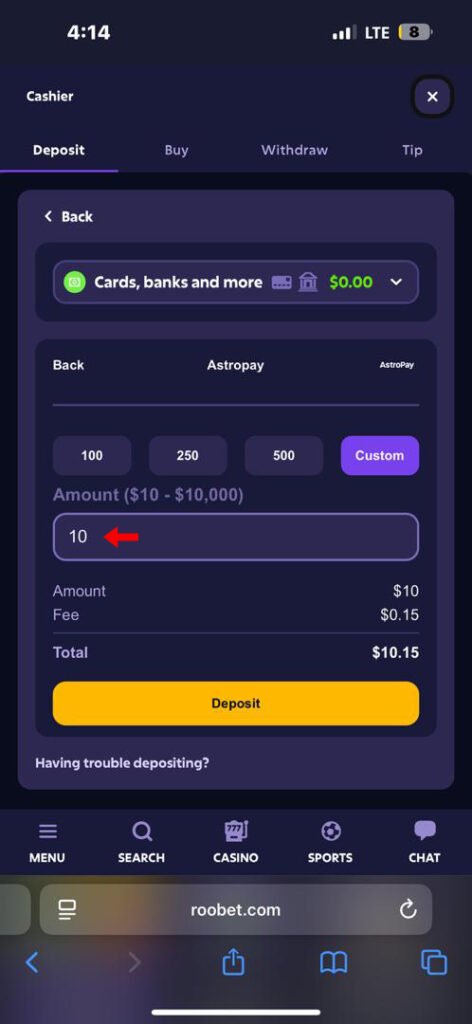
4. Enter your desired deposit amount
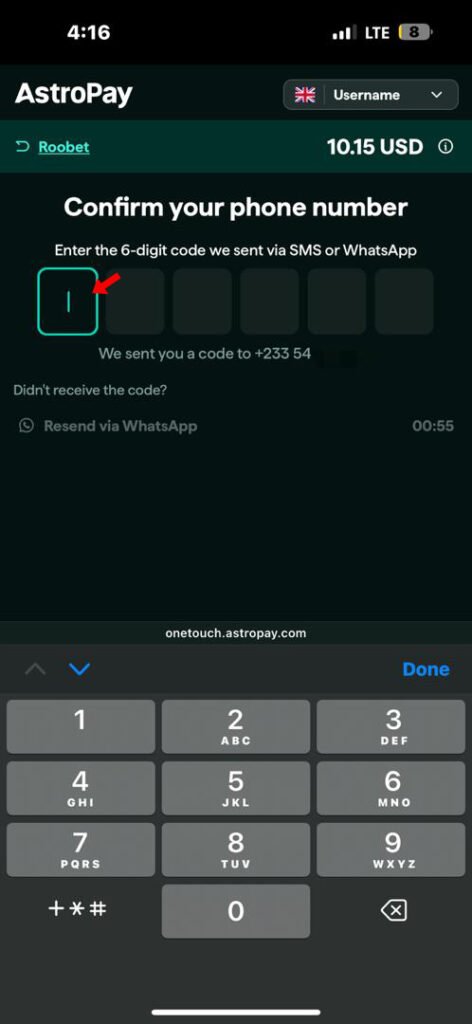
5. On the astropay page, you’d be required to enter a phone number, be sure to use one enrolled for whatsapp so you don’t have troubles receiving a verification code. NB: The number does not neccesarily have to be your payment method.
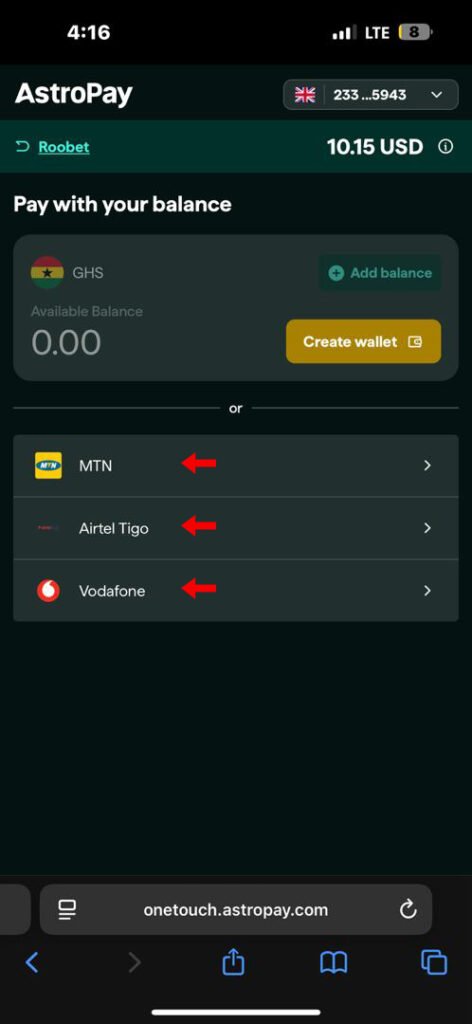
6. Choose your service provider
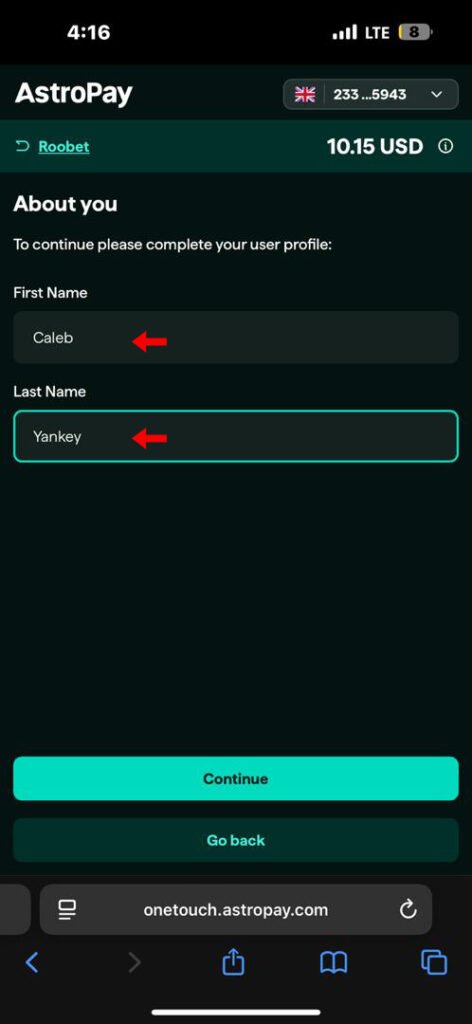
7. Enter your first and last name.
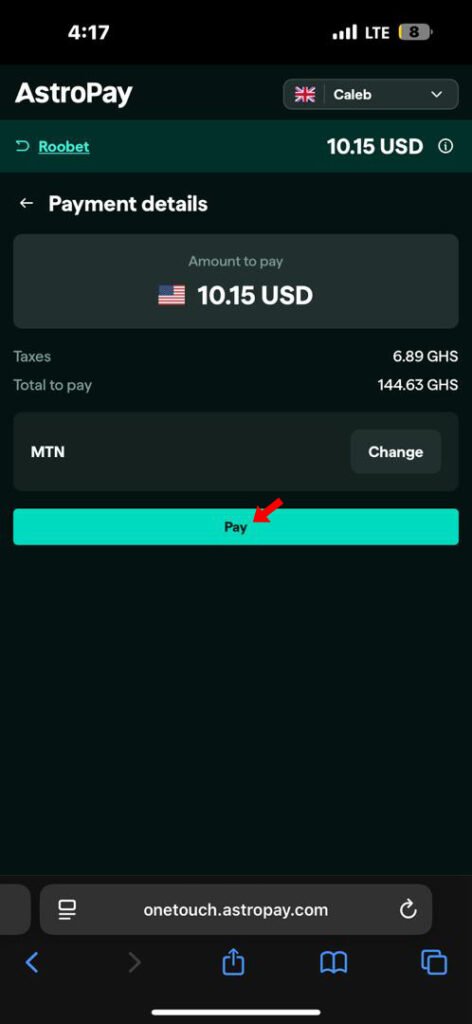
8. Tap on pay
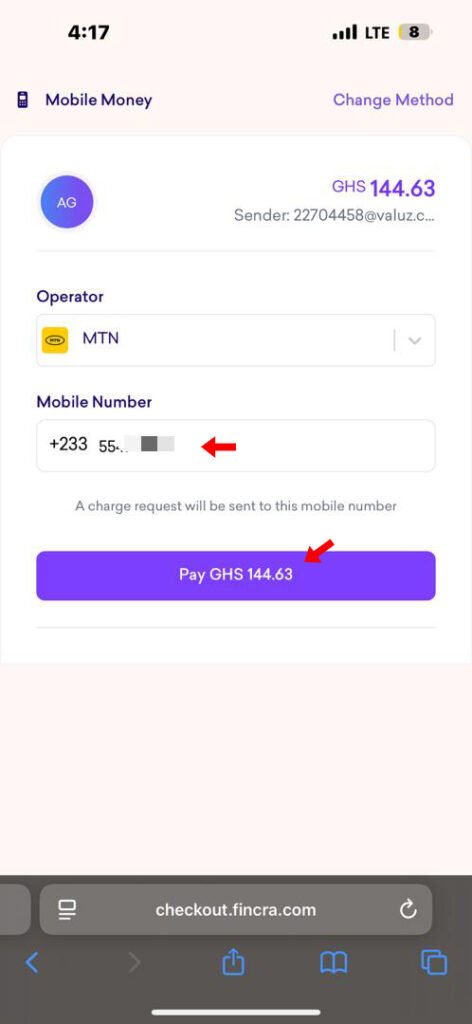
9. Enter your mobile money number you’d like to use for payment and tap on “Pay”
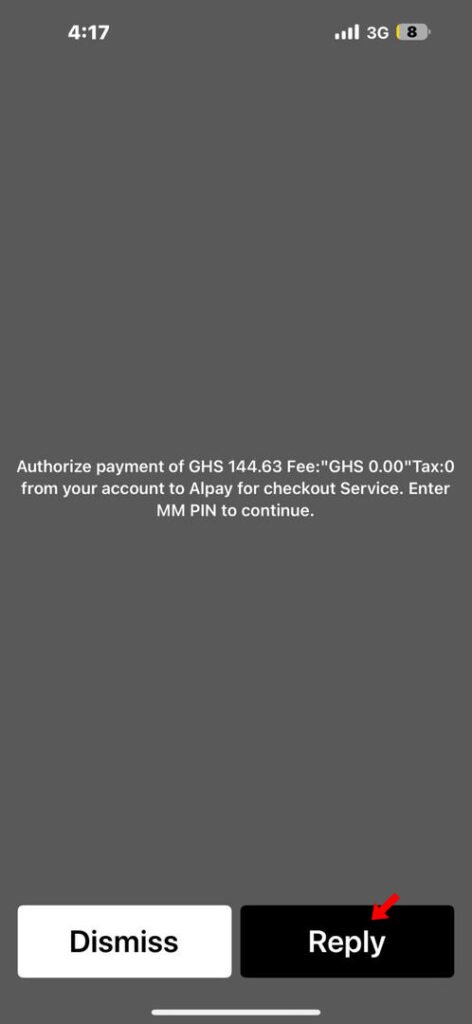
10. Enter your pin to confirm transaction
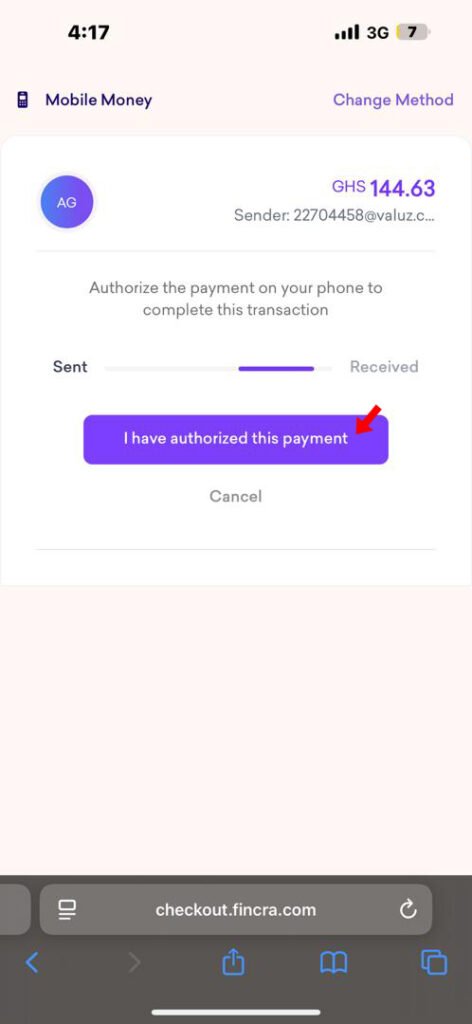
11. After confirming transaction, tap on “I have authorized this payment” to confirm your payment was successful.
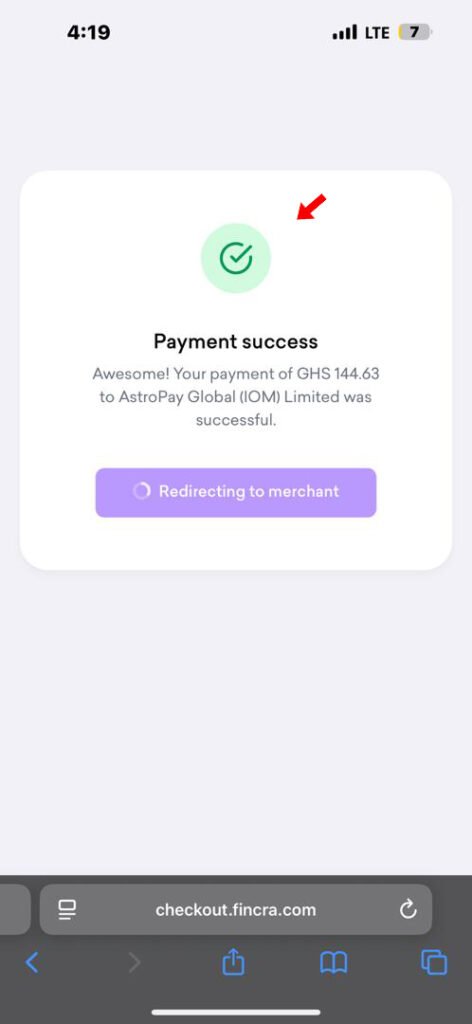
12. Once successful, you’ll be redirected to roobet.
13. That’s it. Your deposit would be credited instantly after success.

Don’t miss out! Sign up today and take part in our $15K monthly giveaway.